
 Supamodel
Mend has a fast-moving apparel catalog across shirts, T-shirts, jeans, trousers and several different fits and styles.
They wanted to use AI for product photography. But getting one good-looking image was never really the problem.
Getting accurate, consistent images across a large catalog — without repeating the same work for every product — was.
Generic AI tools got close. Close wasn't enough.
Before Supamodel, Mend evaluated generic image generators as well as dedicated AI photography tools.
The issue was usually accuracy.
A generated shirt could look perfectly good at first glance while still changing something that mattered:
- Fit and silhouette — from Sydney slim fit and Tokyo relaxed fit to Rio drop-shoulder and Boxy fits
- Brand-specific garment details, such as collar buttons
- Sleeve length and shoulder construction
- Print placement and continuity
- Pockets and other product-specific details
- Consistency of the talent and photography across the catalog
These aren't tiny details for a fashion brand.
For example, Mend's Rio fit uses a drop-shoulder construction where the shoulder seam intentionally sits below the natural shoulder point. Its Boxy fit uses broader shoulders and a straighter, more structured silhouette. Those differences need to survive the image-generation process.
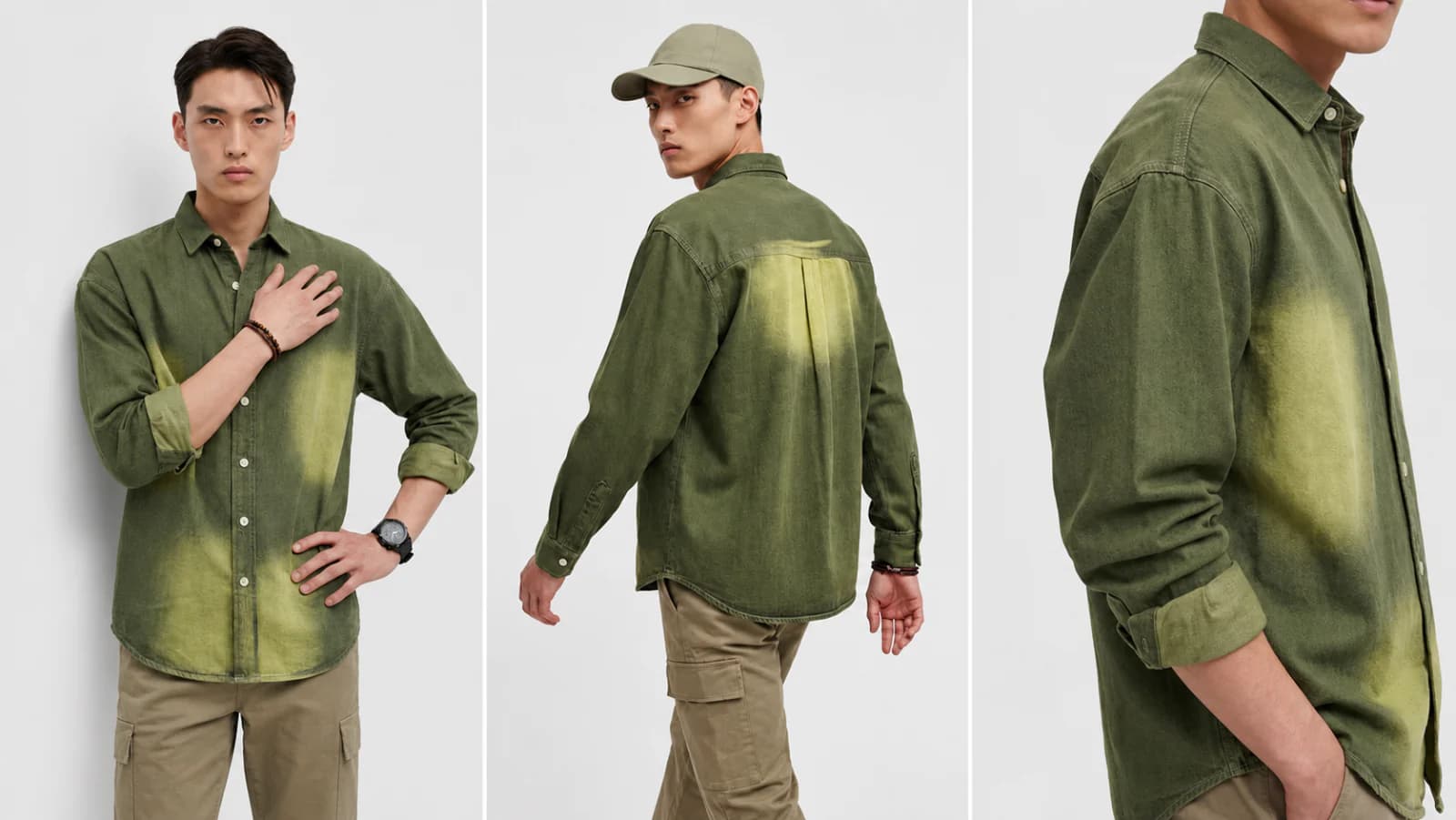
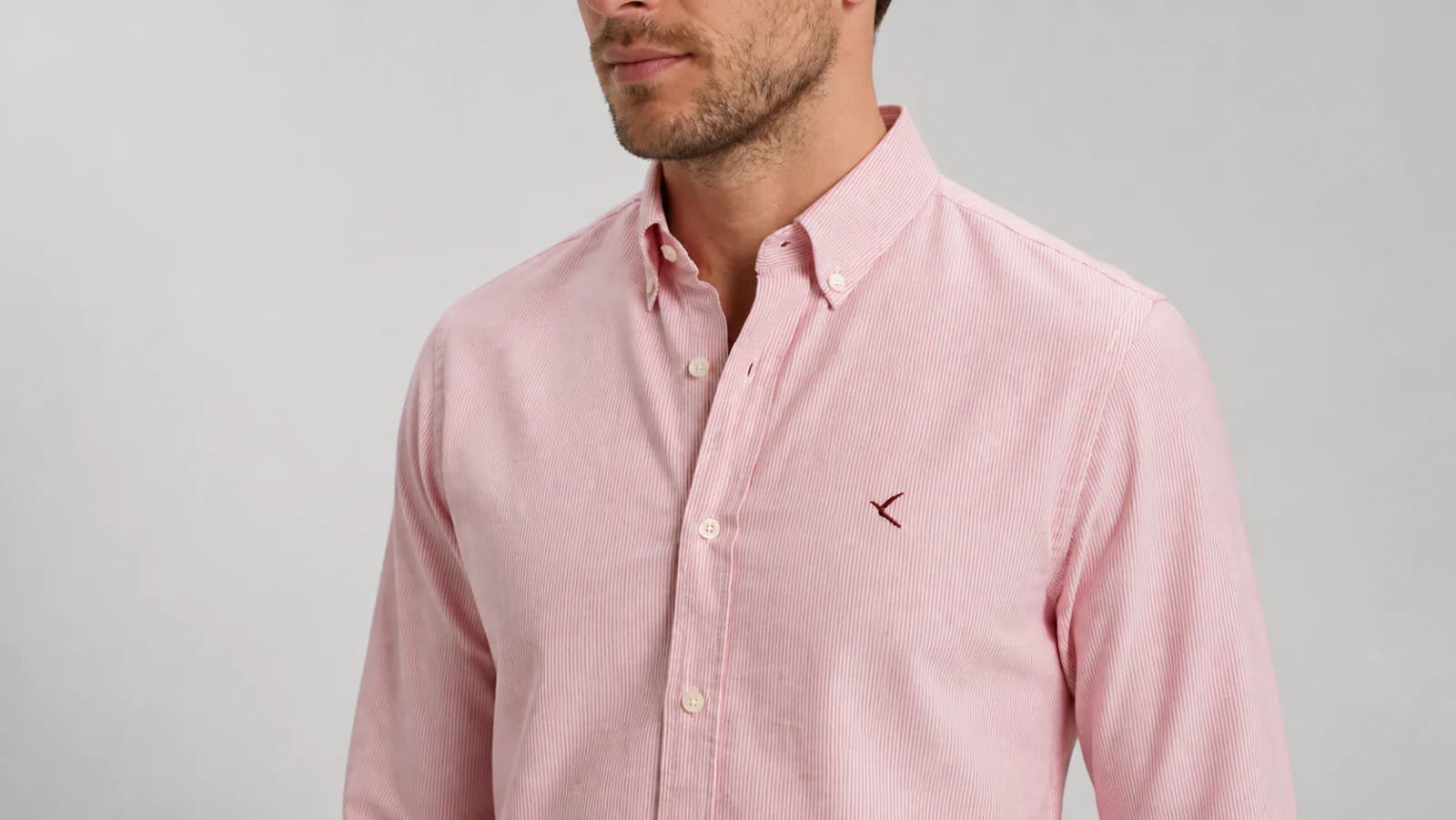
Fit wasn't the only thing that had to hold. On a finely striped shirt, the fine fabric pattern, button-down collar and small logo in the pocket region all needed to remain intact. Lose any one of them, and it is no longer the same garment.
Mend could reach the desired result with tools like ChatGPT or Gemini, but only through repeated prompting, checking and correction. Doing that product after product meant rewriting instructions, checking every angle, fixing whatever changed, downloading everything and uploading it back to Shopify.
A proper 5–6 image shoot could easily turn into 30 minutes, an hour, or sometimes more of manual work.
That doesn't scale very far.
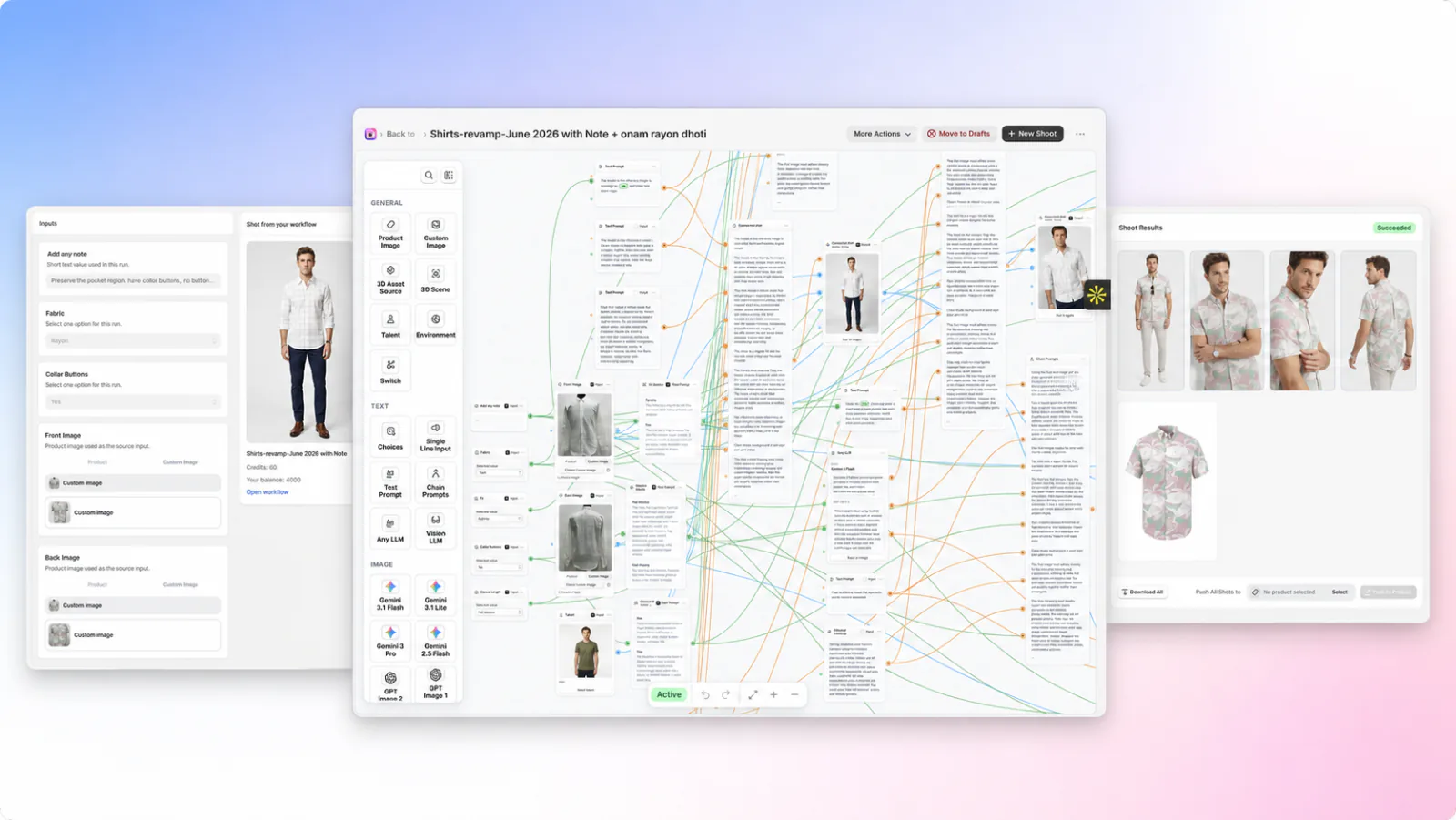
So we turned the process into workflows
Supamodel worked with Mend to take those repeated decisions and build them into reusable workflows.
Different product categories have different workflows. Inside them, the team can choose things like:
Fit · fabric · sleeve length · collar details · talent · product-specific notes
Those choices feed into the rest of the workflow automatically.
The team also defines the image set they want once — for example a front shot, closer crop, side pose, back view and ghost mannequin.
After that, a new product is much simpler.
Upload the raw product images. Choose the relevant options. Pick the talent. Run the shoot.
A complete product shoot can be run end to end in about a minute.
From simple product photos to a complete shoot
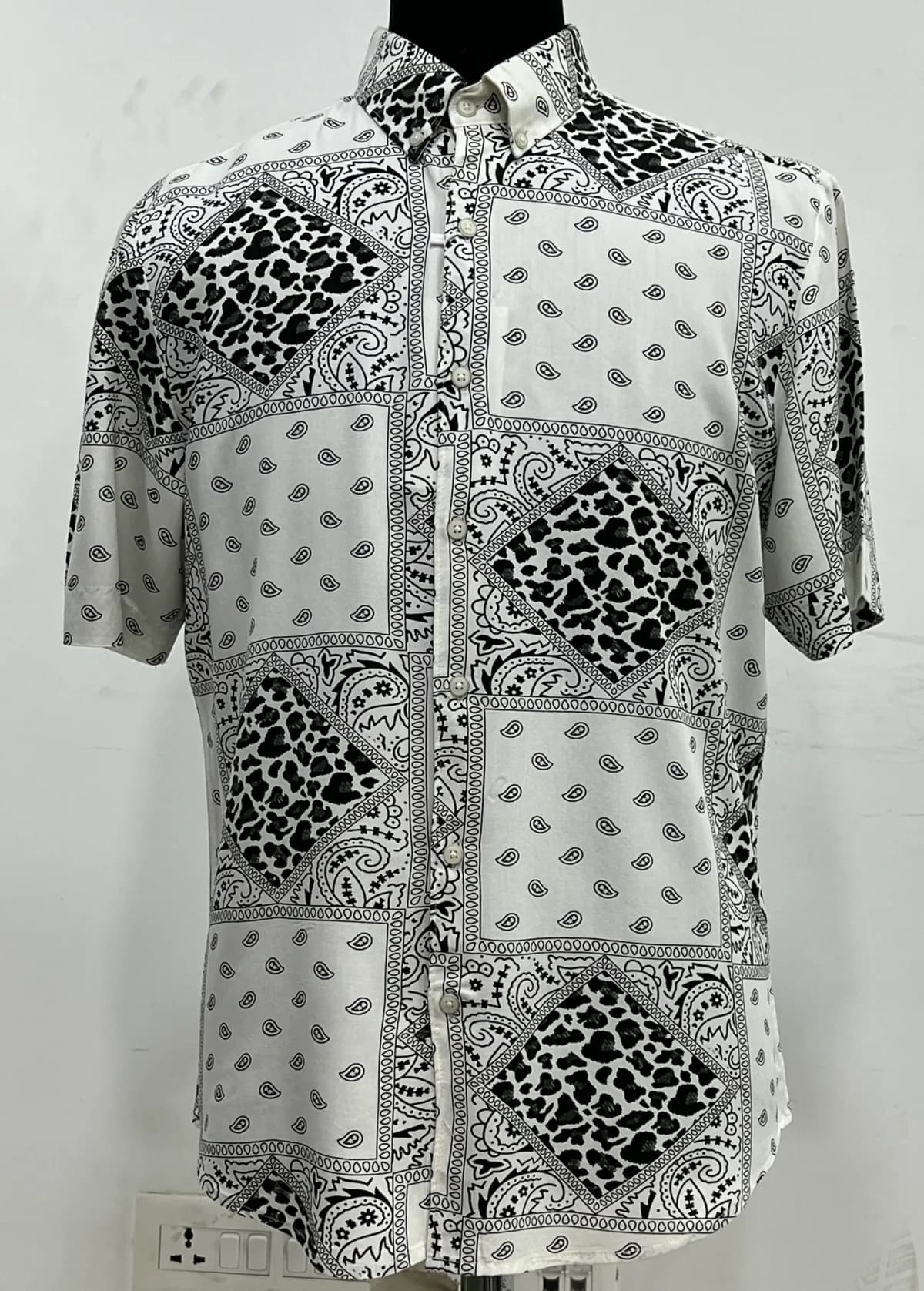
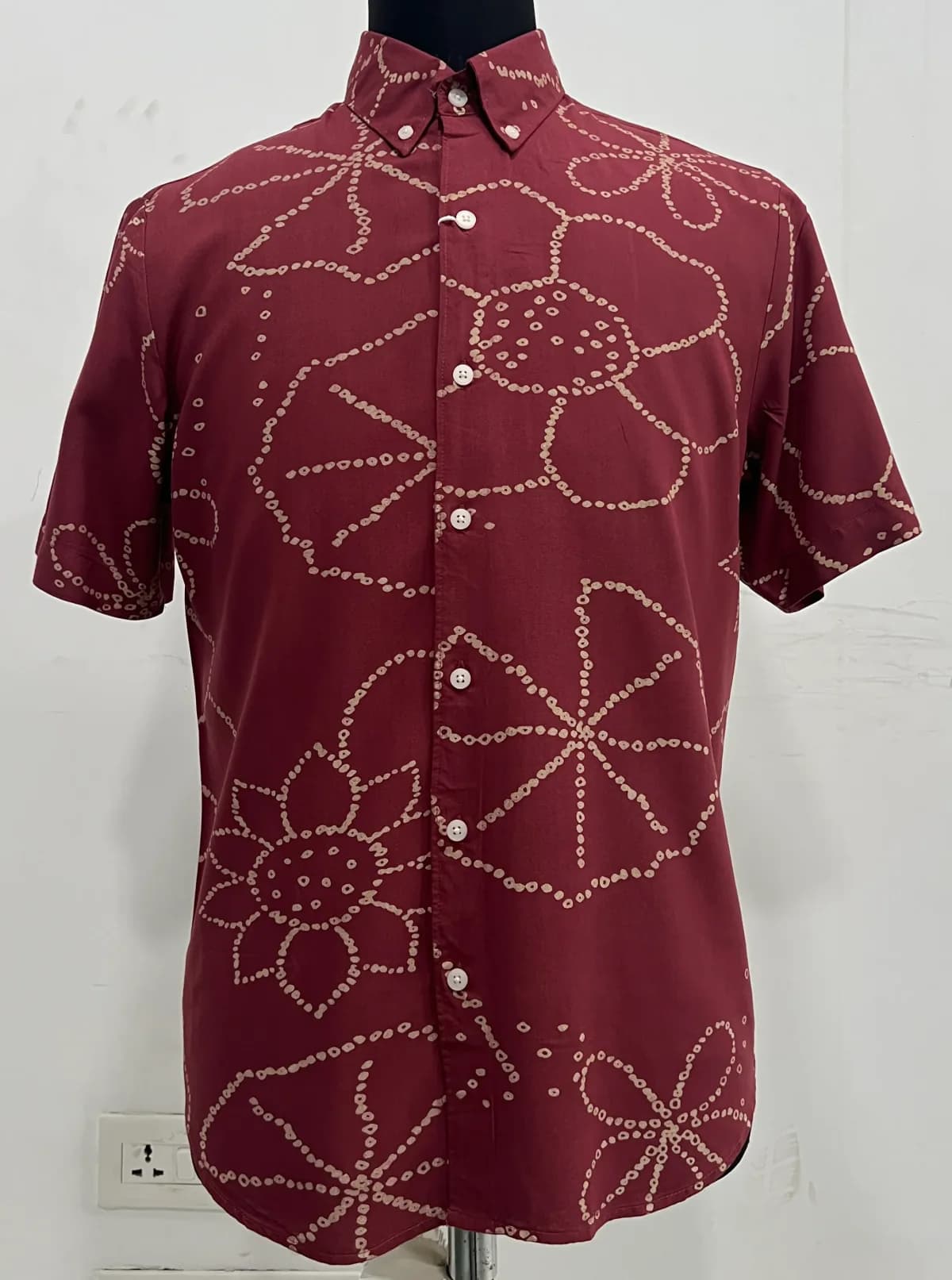
A typical Mend shoot starts with basic front and back reference images of the garment. Supamodel then generates the full image set while preserving the actual product — its print, proportions, construction and important details.
Here are two examples, each moving from the raw garment references to five usable catalog images.
 Front
Front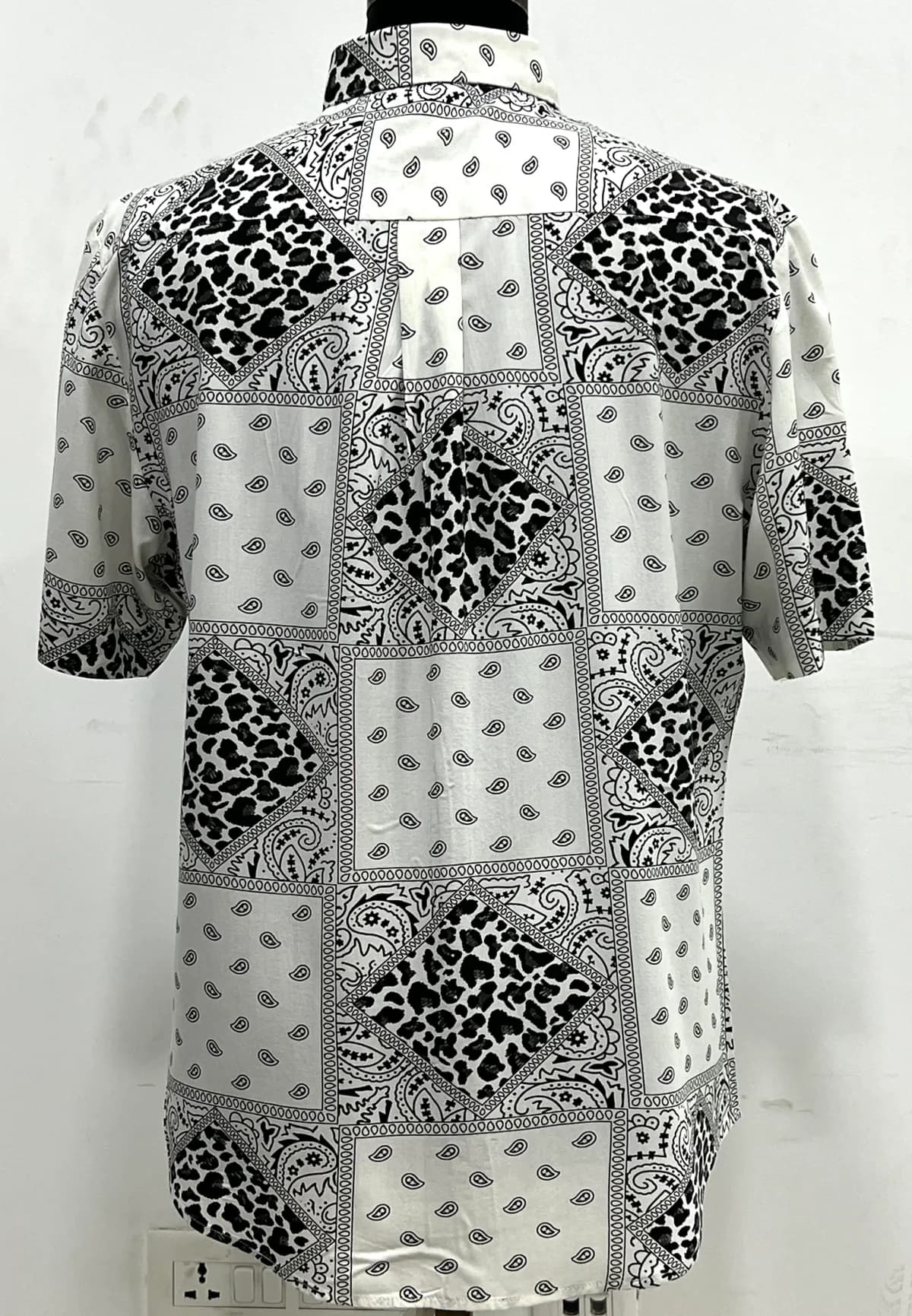 Back
Back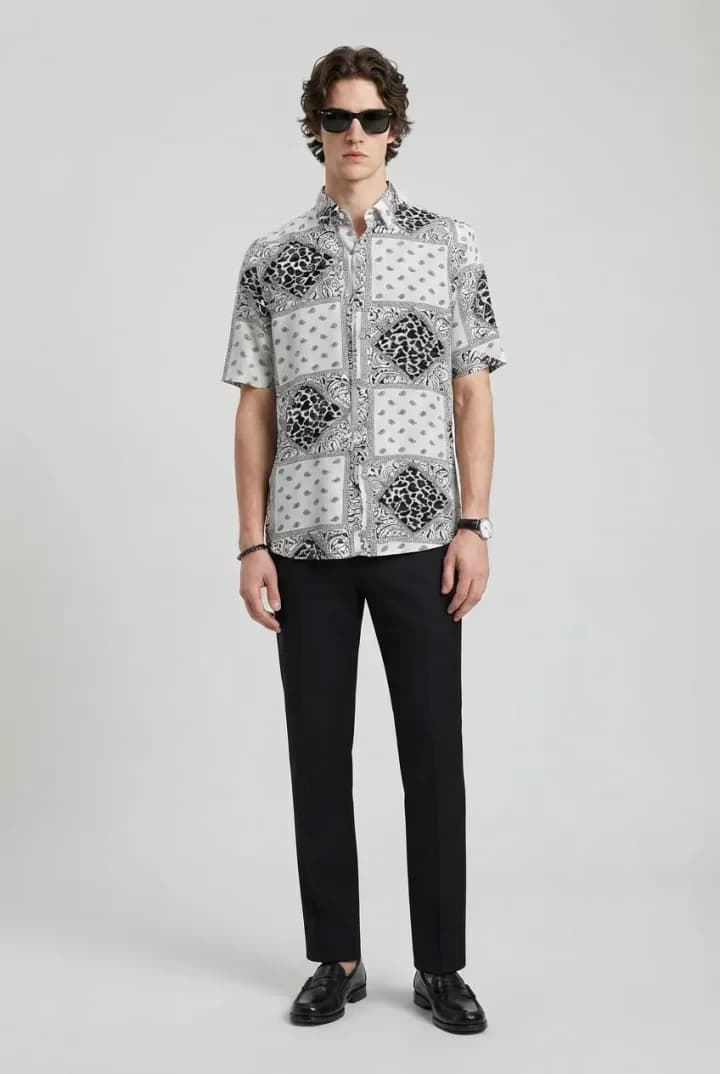 Full length
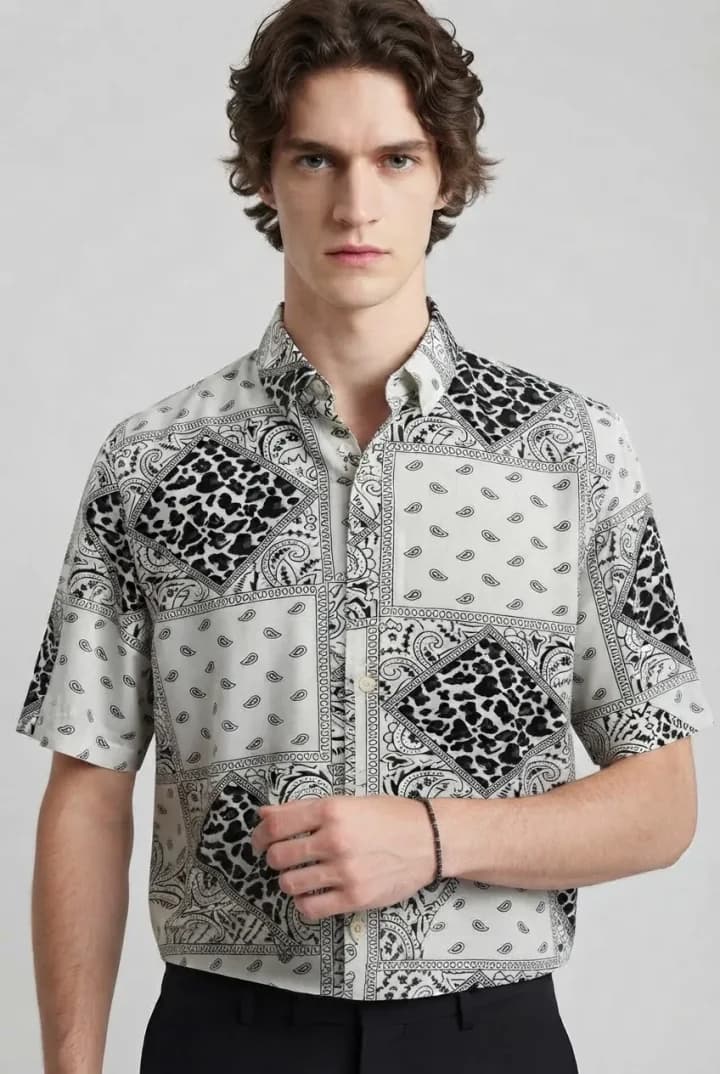 Close crop
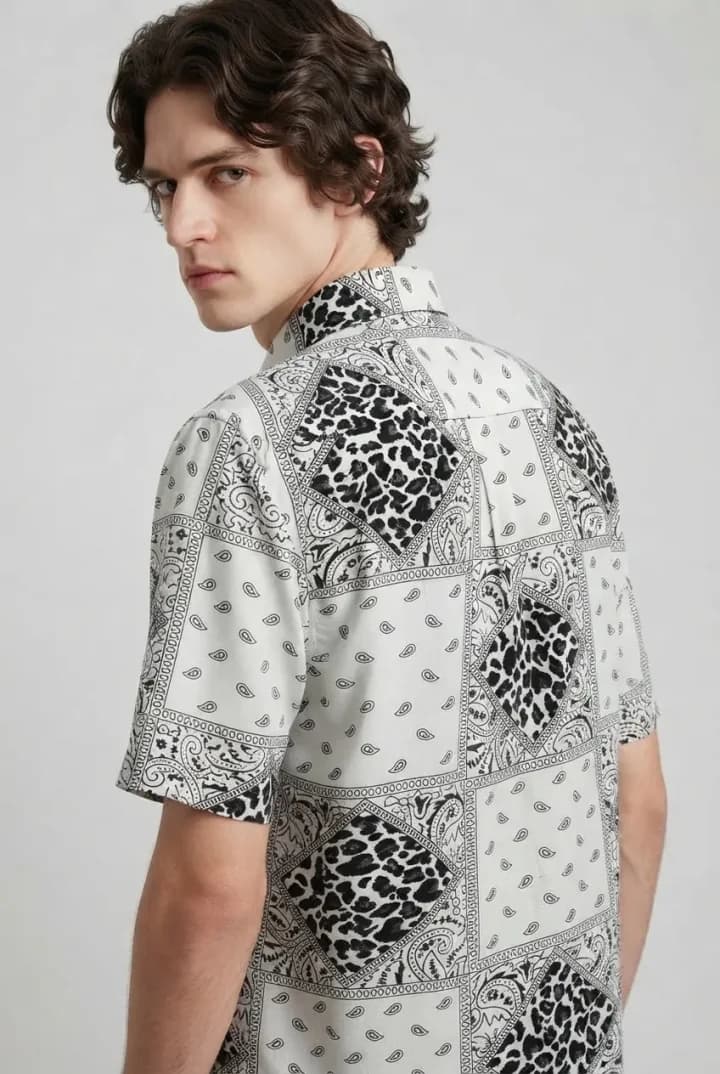 Back view
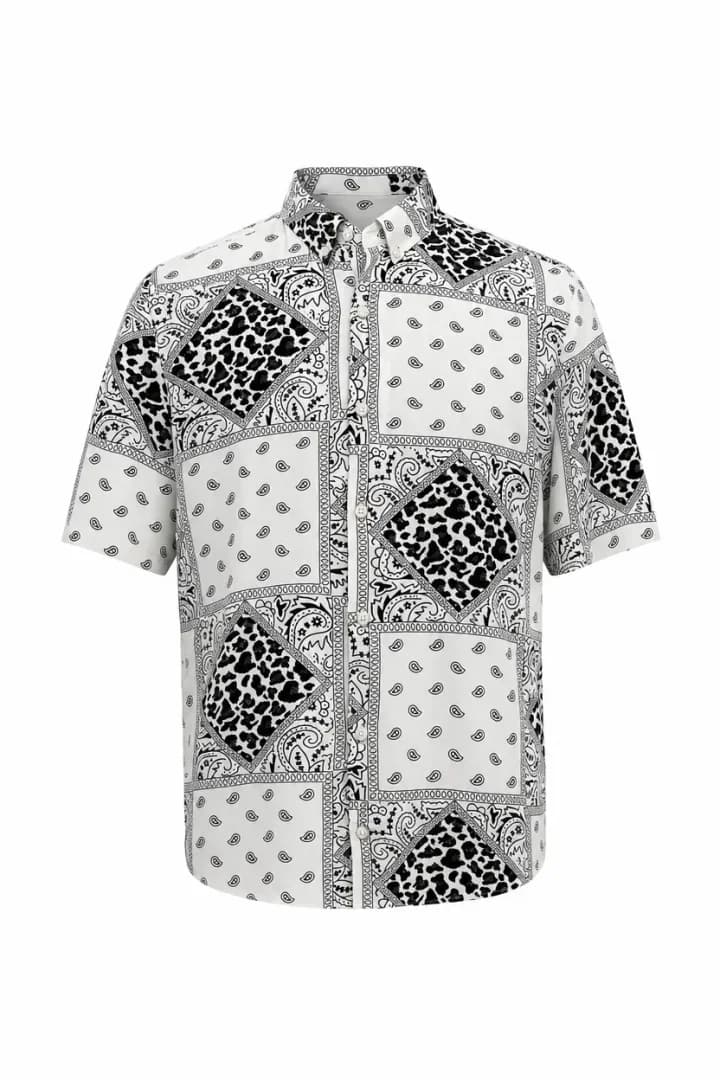 Ghost Mannequin
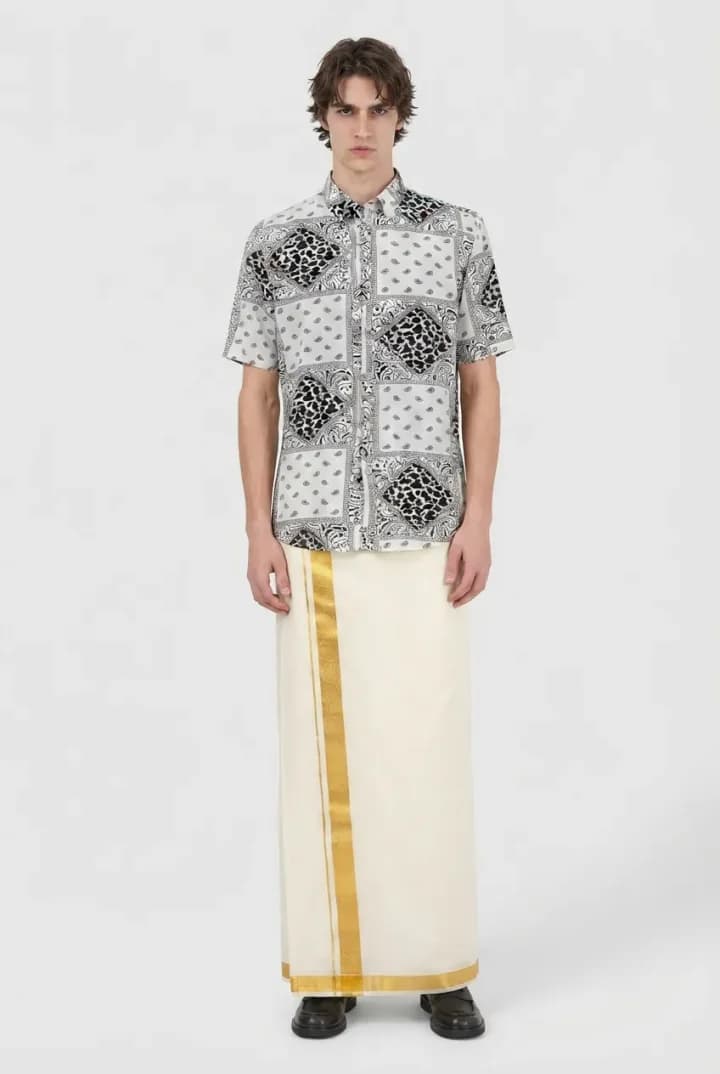 Styled view
 Front
Front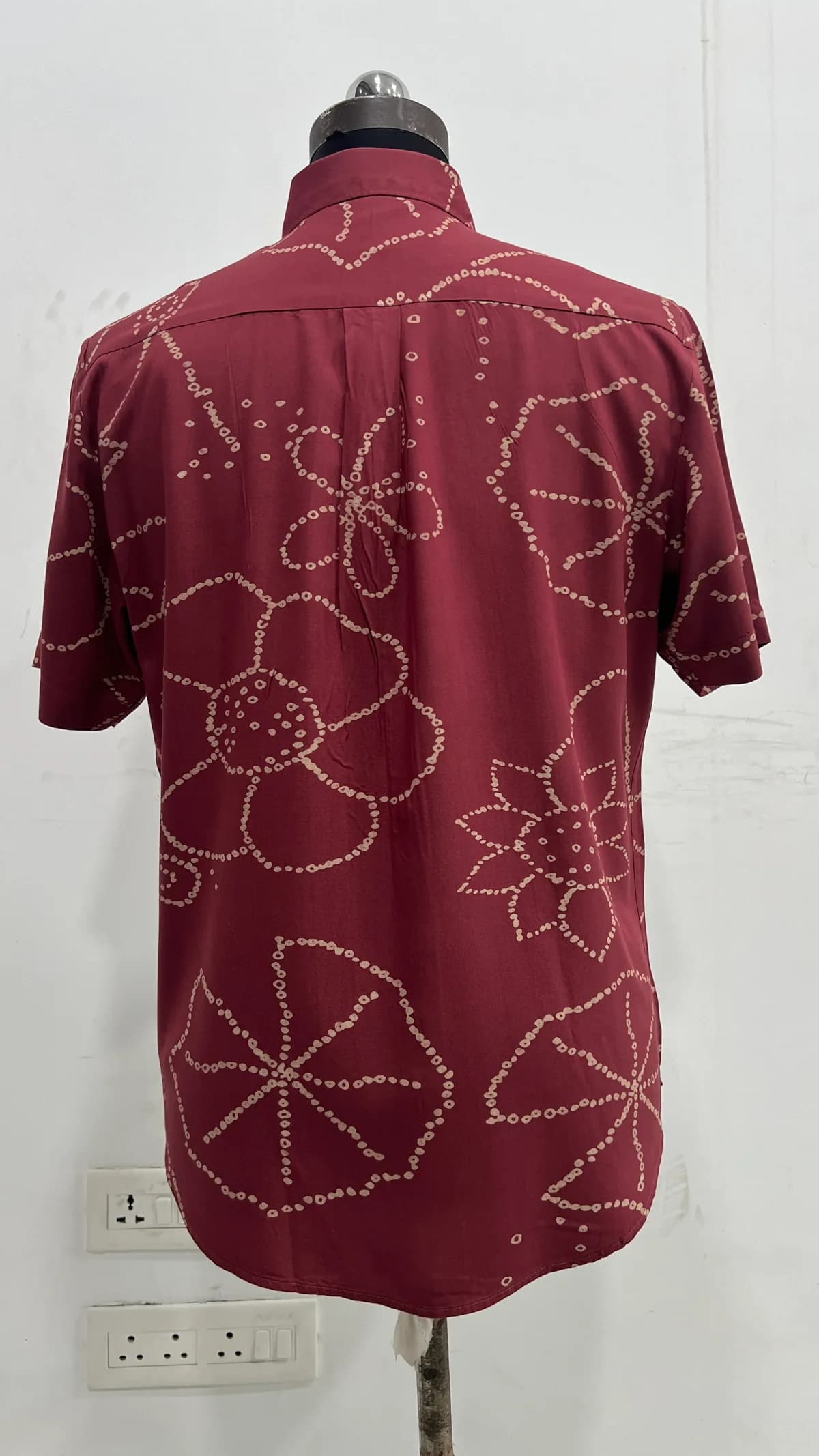 Back
Back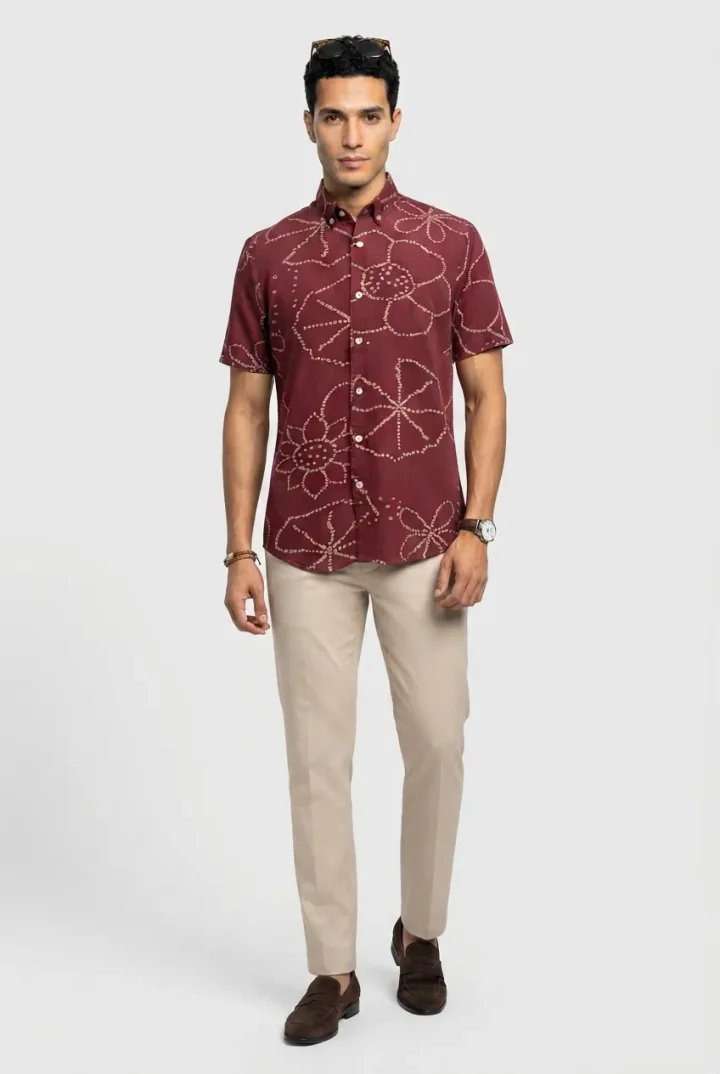 Full length
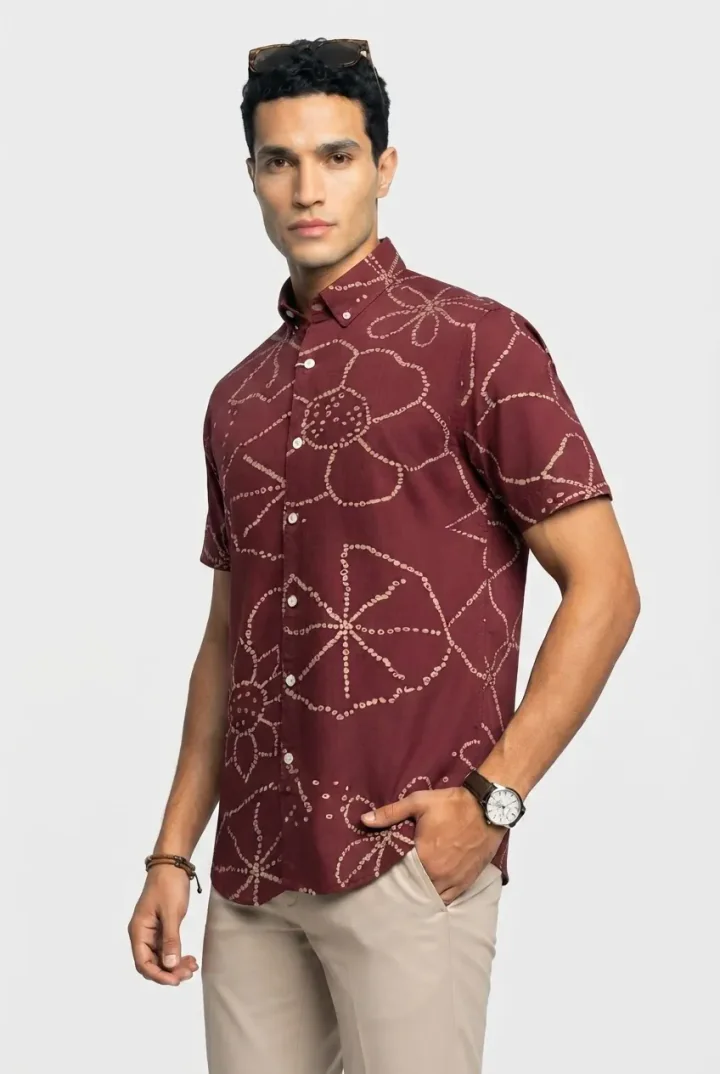 Three-quarter
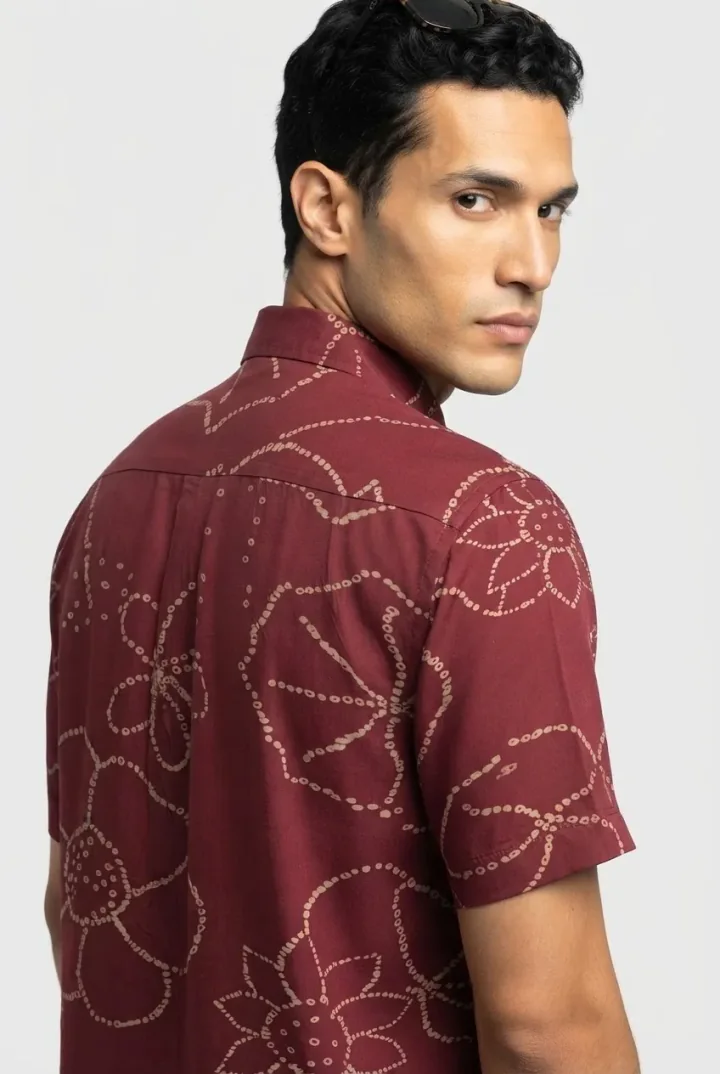 Back view
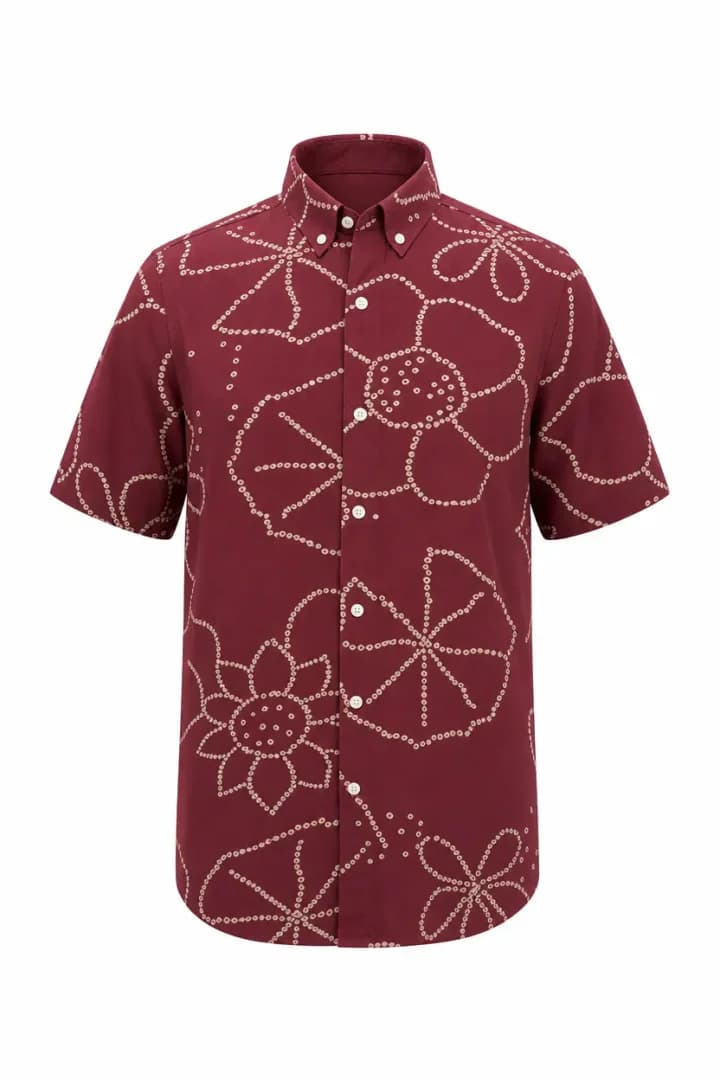 Ghost Mannequin
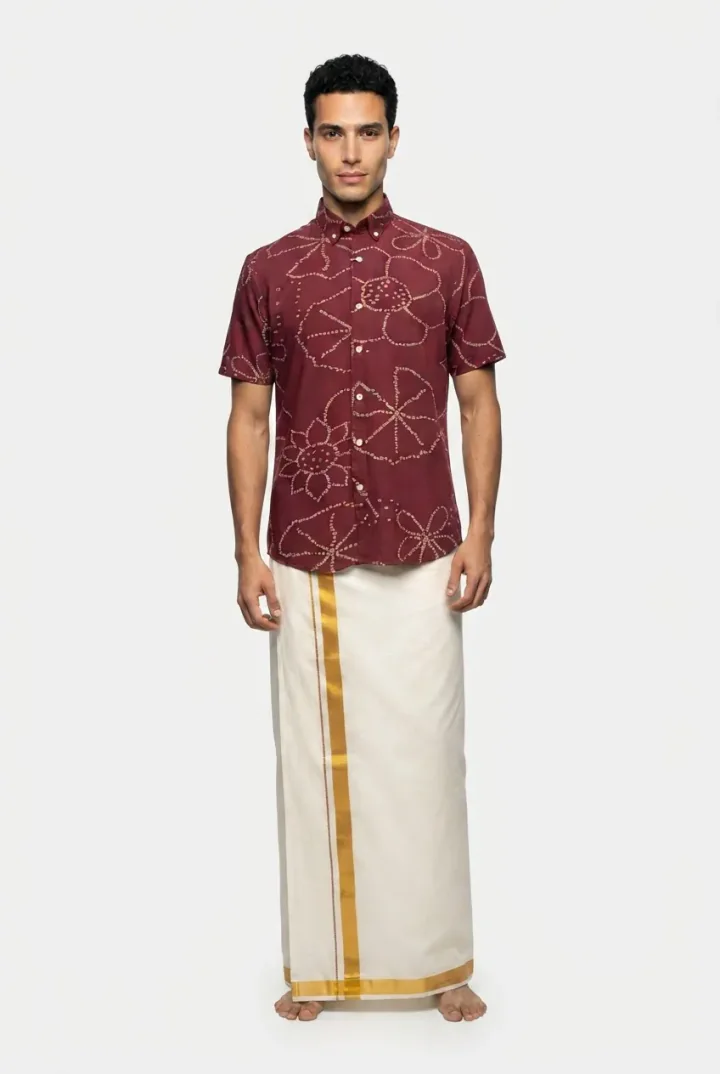 Styled view
Mend can also reuse the same talent across products.
That matters more than it may sound. If every product uses a completely different AI-generated person, the catalog quickly starts to feel artificial. Reusing talent gives the storefront a much more coherent photography style.
Different models for different jobs
Another thing Mend found useful was not having to use one AI model for everything.
Some image models are better at certain tasks than others. A model that produces the best ghost mannequin image may not be the most sensible model for generating every additional angle.
Supamodel lets the team choose different frontier models at different stages of the workflow, and configure things like resolution and aspect ratio as needed.
So the workflow can be optimized for accuracy, visual quality and cost instead of simply using the most expensive option everywhere.
And once that workflow is set up, those decisions don't need to be made again for every garment.
The boring parts matter too
Once AI becomes part of an actual catalog process, generating the image is only half the job.
If one image in a shoot isn't right, Mend can regenerate just that image rather than rerunning everything.
Once the shoot is approved, the team can push the images directly to the Shopify product instead of downloading and uploading them again.
Uploaded and generated images stay available in the image library, and the credit history makes it easy to see where usage went.
None of this is particularly exciting in an AI demo.
It's very useful when you're doing it over and over again.
Now it's just part of the catalog workflow

Mend has already run 500+ product shoots through Supamodel so far, producing thousands of product photos — usually around 5–6 images for each product.
The important part is that the next product doesn't require the team to figure the process out again.
The fit rules, garment details, talent, shot list, image models and generation logic are already there. The same workflows can keep being reused as the catalog grows.
What Mend says
This app has been incredibly useful for creating product images, saving both cost and time. The ability to set up separate flows for each product image generation ensures optimized, error-free AI visuals. It’s a game-changer for efficient and high-quality product image creation.
AI product photography, without starting from scratch every time
For Mend, the useful part of Supamodel wasn't simply being able to generate an AI product photo.
It was being able to take everything they had learned about getting that photo right — the fit, the details, the talent, the right model for each step, the shots they needed — and save it as a workflow.
Then use it again for the next product.
And the next one.